




Special Focus on AI Editing.
Lifetime Access for a One-Time Payment.
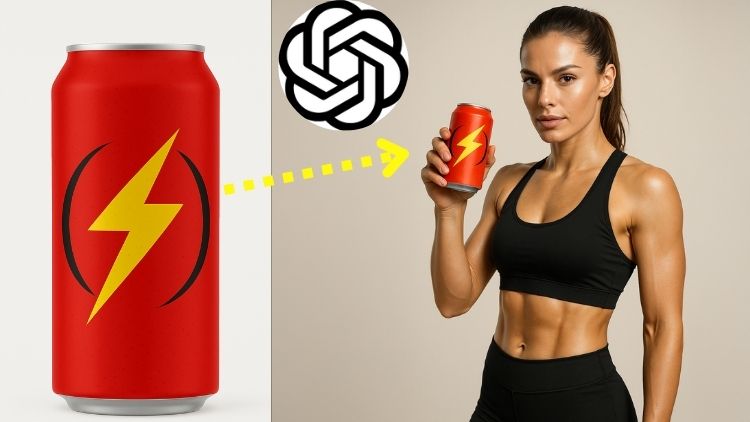
In this course, you will learn how to use the revolutionary & latest ChatGPT AI Image Generator for image editing. You will go through 20 mind-blowing use-cases. It has 24 videos and 3 hours of content.
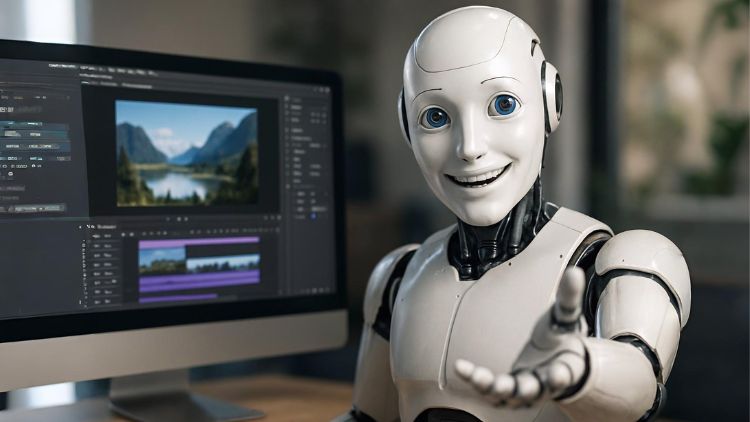
In this course, you will learn how to use the latest AI Image and Video editing tools by doing some fun and practical projects. This course has 20 videos and 2 hours of content.
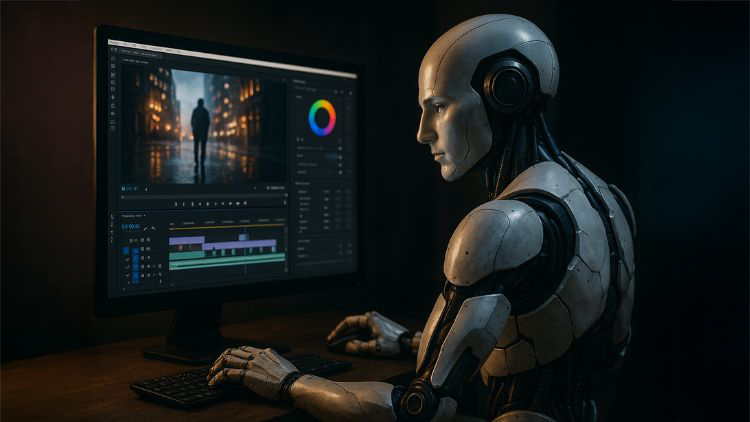
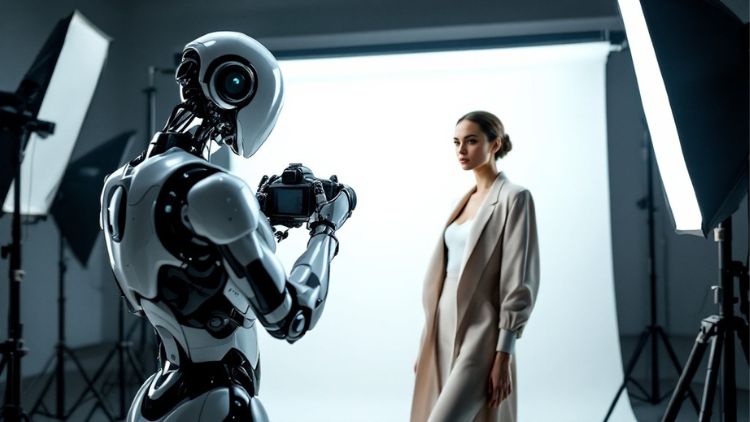
In this course, you will learn how to use the latest AI Image and Video generation and editing tools that are making photography and videography obsolete. It consists of 23 videos and 3 hours of content.
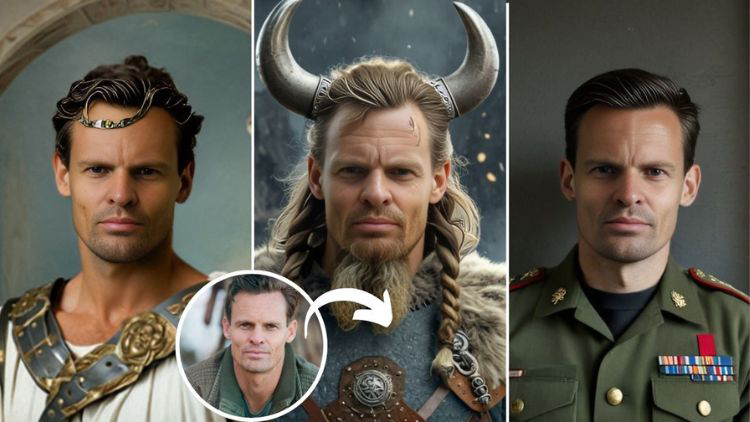
This course shows you how to use the latest AI tools that can create realistic portraits from a simple shot of a face of a person. It will change the way photography is done. This course has 46 videos and 5 hours of content.
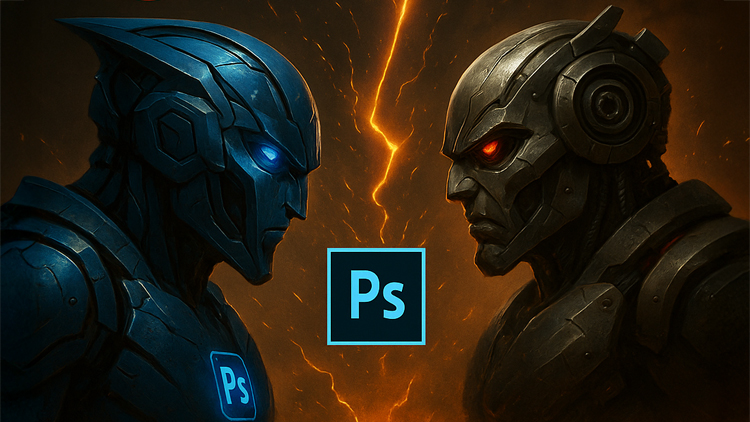
This is a very unique course which has a single objective – To determine if you still need to pay for Photoshop? With the advent of AI in recent times, there are a lot of free AI tools that can do a lot of things which Photoshop can. We will be seeing side by side editing battles to determine the winner. It has 31 videos and 4 hours of content.
This course shows and teaches you how to use the latest AI photo editing tools and software that are completely changing the game of editing. It has 30 videos and 4 hours of content.
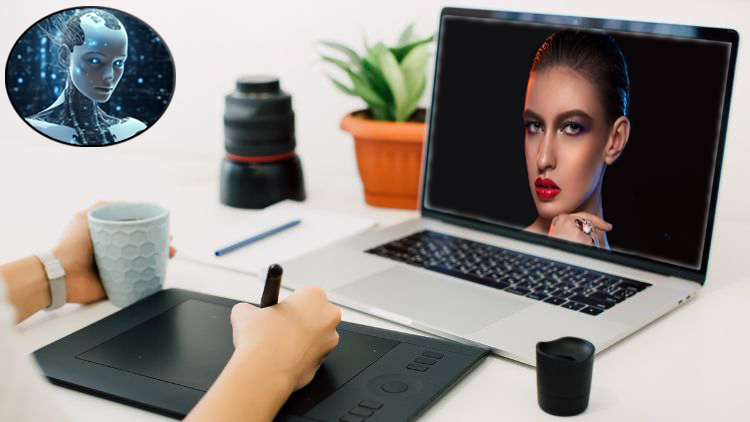
This course teaches you how to use the latest AI Portrait Retouching software to retouch your portraits with a single click. It contains 34 videos and 3.5 hours of video content.
This course teaches you how to use the latest AI video editing and production tools for one click video generation. It contains 41 videos and 4 hours of video content.
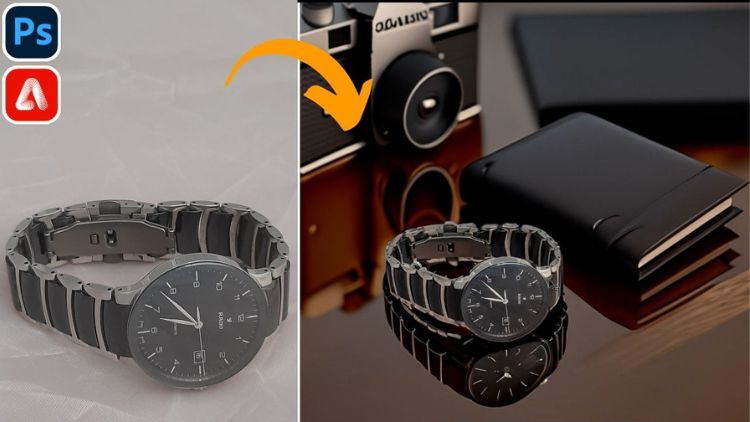
This course will teach you how to transform ordinary photos into professional product shots using the AI tools in Photoshop and Firefly. It consists of 32 videos and 4 hours of content.
Want to learn the usage of the latest AI based editing tools in Photoshop that are completely changing the game of photo editing? This is the course for you! It contains 34 videos and 4.5 hours of video content.
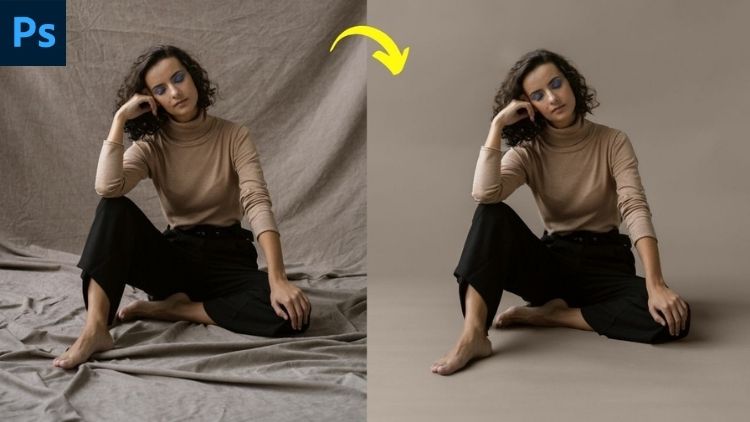
This is a course unlike any other on the internet, that focuses on fixing all sorts of issues when it comes to studio backdrops like extending them, removing wrinkles and making them smooth, changing backdrop color, replacing backdrop and so much more. It has 30 videos and 4 hours of content.
This online course teaches you how to get started with Adobe Photoshop even if you have never used it before. This is the perfect crash course for beginners. It contains 19 videos and 2 hours of content.
This course teaches you how to edit your portraits using Adobe Photoshop using popular techniques like Frequency Separation and Dodge and Burn and so much more. It contains 37 videos and 7 hours of video content.
This course teaches you how to make selections in challenging images using the different selection tools in Adobe Photoshop. It contains 36 videos and 6 hours of video content.
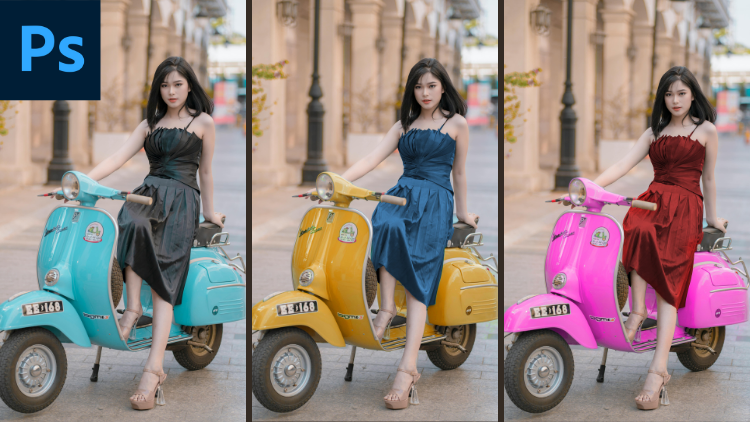
This course will teach you how to change the color of any object in Photoshop. You will be learning different concepts and skills like Bit-Depth, Color Theory, Selections, Layer Masking, Blending Modes, Using the Hue/Saturation Adjustment Function and a lot more. It consists of 38 videos and 5.5 hours of content.
This course teaches you how to create composites in Photoshop by focusing on concepts and techniques that result in accurate compositing. It contains 27 videos and 4 hours of content.
This course teaches you how to how to use the free Lightroom Mobile and Photoshop Express mobile apps by Adobe to take your photo editing to the next level. It contains 26 videos and 3 hours of video content.
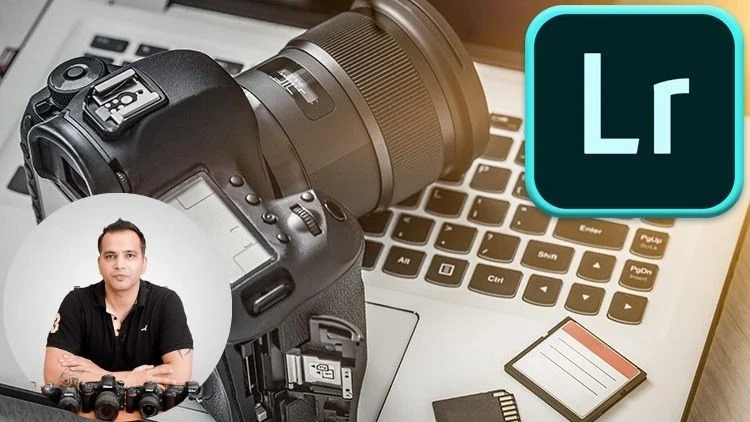
This online course teaches you how to use Adobe Lightroom for editing your photos even if you have never used this software before. It covers each and every editing function present inside the Lightroom editing panel and has a dedicated video for each function. You get work-along images so you can practice as you watch. It contains 34 videos and 4 hours of video content.
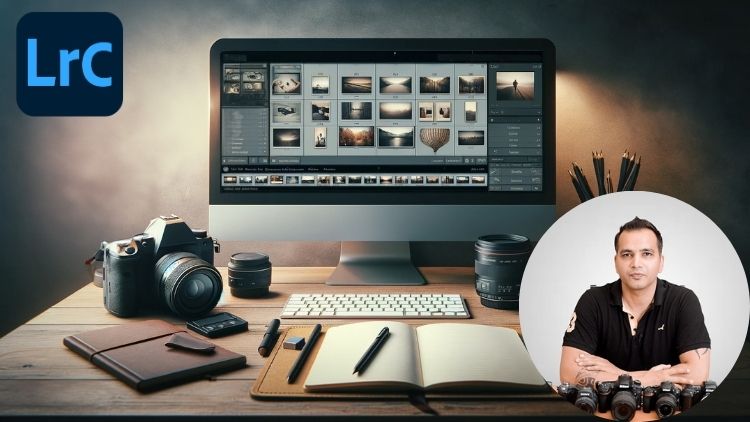
Lightroom Classic is a software which often can be confusing for beginners, not because of the editing tools but because of the organizational tools in it. In this course, you will learn how to import, organize, cull, proof and export images just like the pros do. It has 27 videos and 3 hours of content.
This online courses teaches you how to use GIMP, a completely free photo editing software, which is a great free alternative to Photoshop. It contains 33 videos and 3.5 hours of content.
This online course teaches you how to how to use the free Snapseed mobile app to edit your photos. Both basic and advanced techniques like sky replacement are covered. It contains 27 videos and 4.5 hours of video content.
This course teaches you how to how to use the free Snapseed mobile app to edit your photos. Both basic and advanced techniques like sky replacement are covered. It contains 25 videos and 3.5 hours of video content.
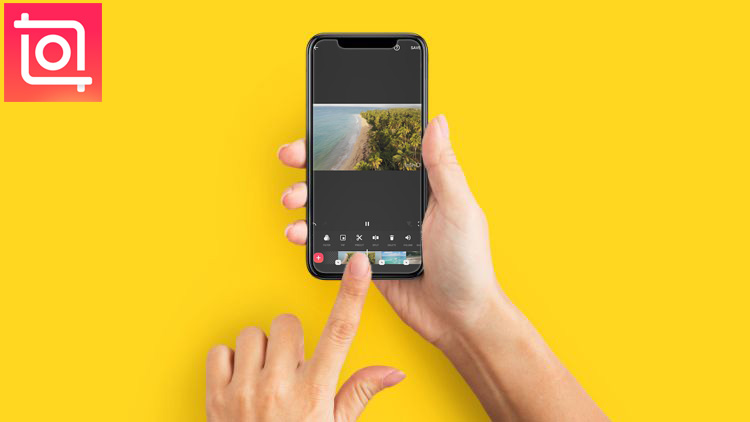
This course teaches how to use free InShot mobile application to do professional video editing. In this course, everything is taught practically by working on a sample project of creating a promo video. It contains 22 videos and 2.5 hours of video content.
This course will teach you how to use Capcut, a completely free video editing app, to create and edit short-form videos for platforms like Instagram Reels and YouTube Shorts. Learning how to edit short-form videos is a challenging affair, so once you complete this course, you will be able to edit any type of video using this amazing app. It contains 24 videos and 3 hours of content.
This online course teaches you how to use Adobe Premiere Pro for editing your videos. All the basic and advanced editing functions are covered along with audio editing. It contains 30 videos and 4 hours of video content.

We will coach you and help you achieve your health goals. At garage, we can help you every step of the way. Join our family and own your fitness. What are you waiting for? Take the first step today.
We will coach you and help you achieve your health goals. At garage, we can help you every step of the way. Join our family and own your fitness. What are you waiting for? Take the first step today.
We will coach you and help you achieve your health goals. At garage, we can help you every step of the way. Join our family and own your fitness. What are you waiting for? Take the first step today.

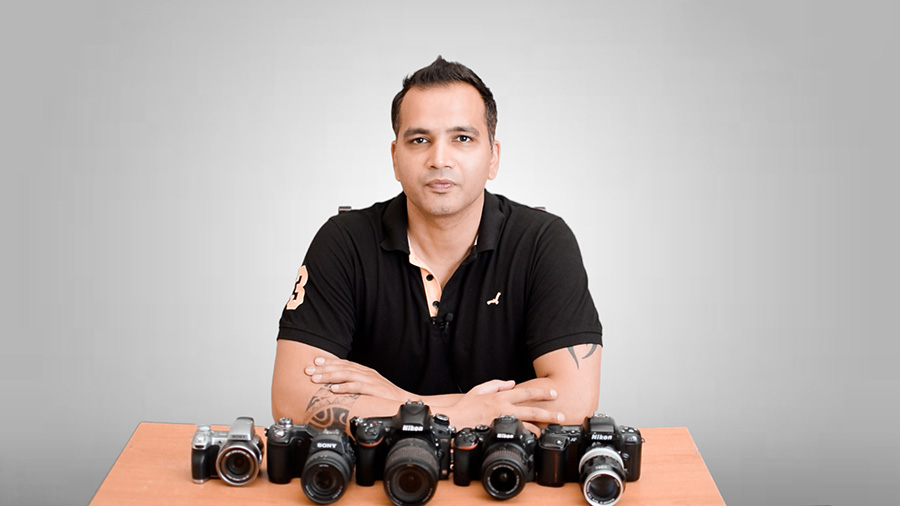
Hey there. This is Kush Sharma, your photography and videography trainer and the founder here at Creative Pad Media.
I have been teaching photography, videography and editing since 2013 and have taught over 62,000 students via my online courses and workshops.
My online courses have been downloaded in over 180 countries.
I have created this special editing bundle so you can learn everything in one place.
I hope to see you inside these courses.